

Syncing Barriers
This feature is useful when the same barriers are used to prevent or mitigate different consequences. Instead of manually adding metadata to each barrier, Bowtie Master allows you to sync all barriers with the same name. You can choose to sync barriers across a single diagram or an entire project.
In this example, we have 2 barriers with the same name that we can sync.
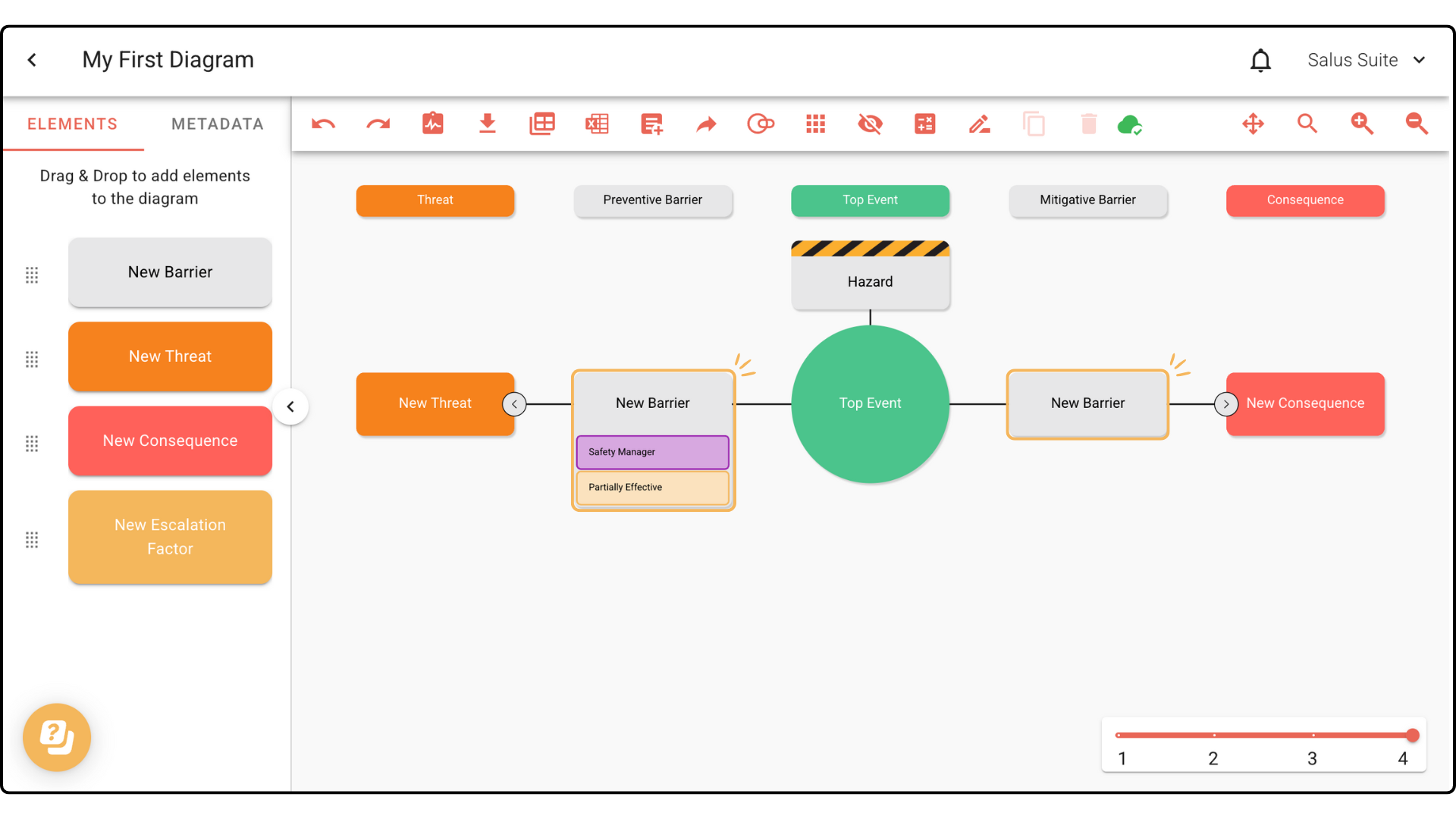
Step 1: In your bowtie diagram, double-click on a barrier you wish to sync.
Step 2: In the Element Description box, click the Sync button. If you have any other metadata to enter, you can do so before syncing. 
Step 3: A new pop-up will appear asking you if you wish to sync this barrier in this diagram only or the entire project. Select whichever is appropriate for you. 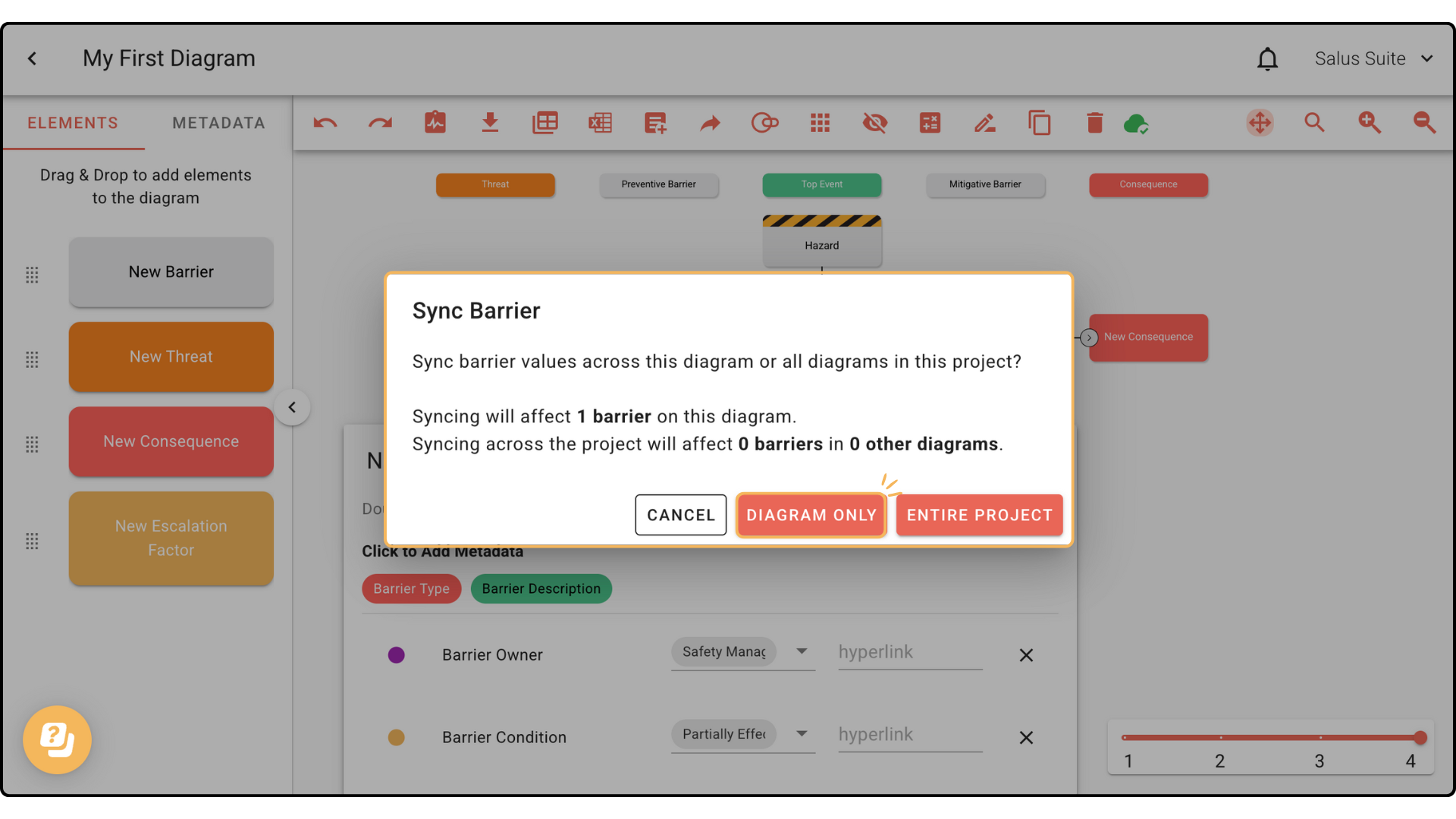
Now you will see barriers of the same name completely synced:


