View Categories

Change Project Settings 

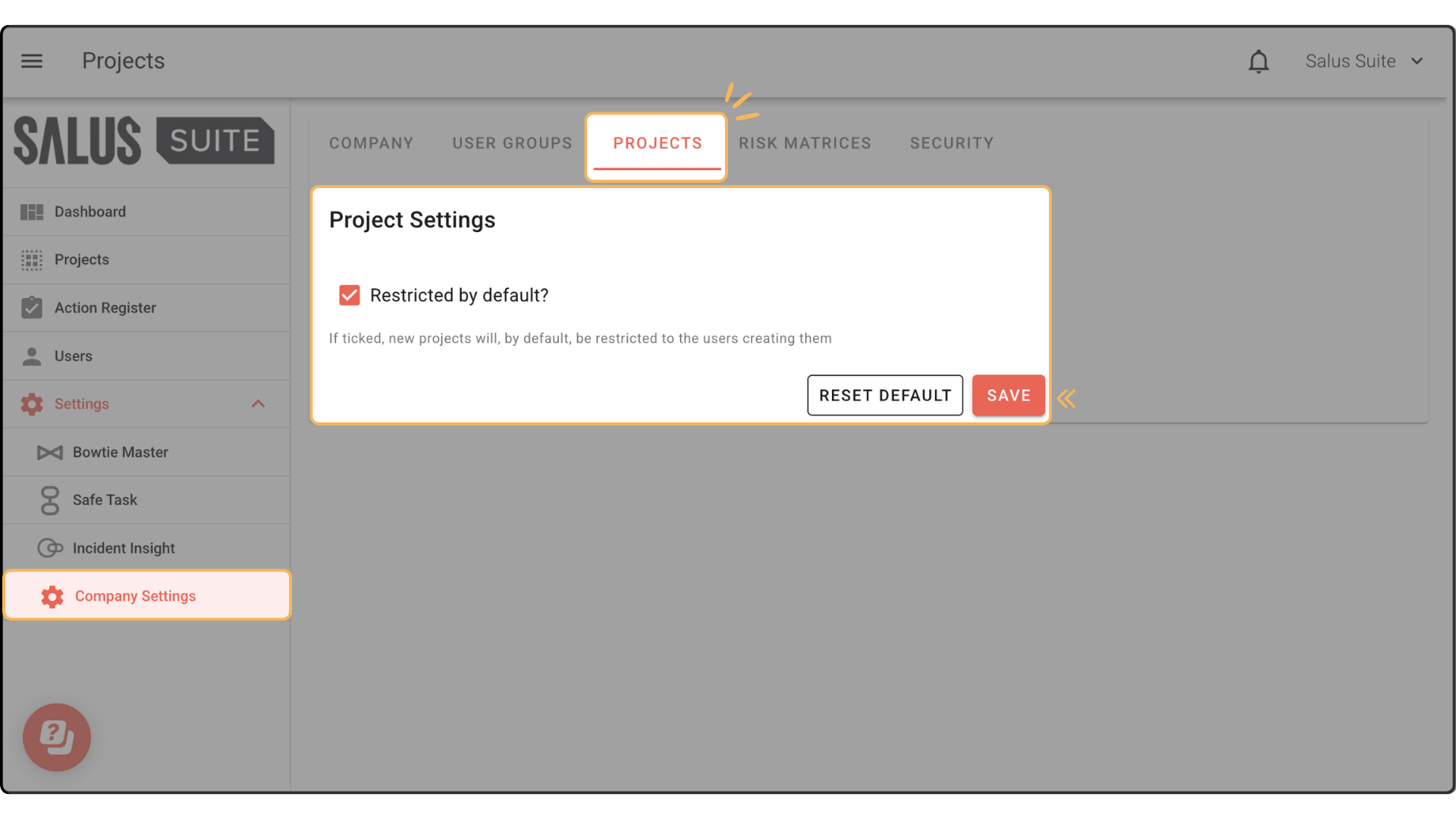
New projects will be restricted to users who created them. 

Step 1: Go to Settings > Company Settings > Project Settings. 

Step 2: Tick Restricted by Default. Click Save. 

✕

"*" indicates required fields

This field is for validation purposes and should be left unchanged.

Contact us

Fill out the form below, and we will be in touch shortly.

✕

This field is for validation purposes and should be left unchanged.

Free Excel and PowerPoint Bowtie Diagram Template

Fill out the form below, and we will send you the templates by email.