BOOK A DEMO
In this guide, we’ll show you how to add a company logo to your Bowtie Master account.
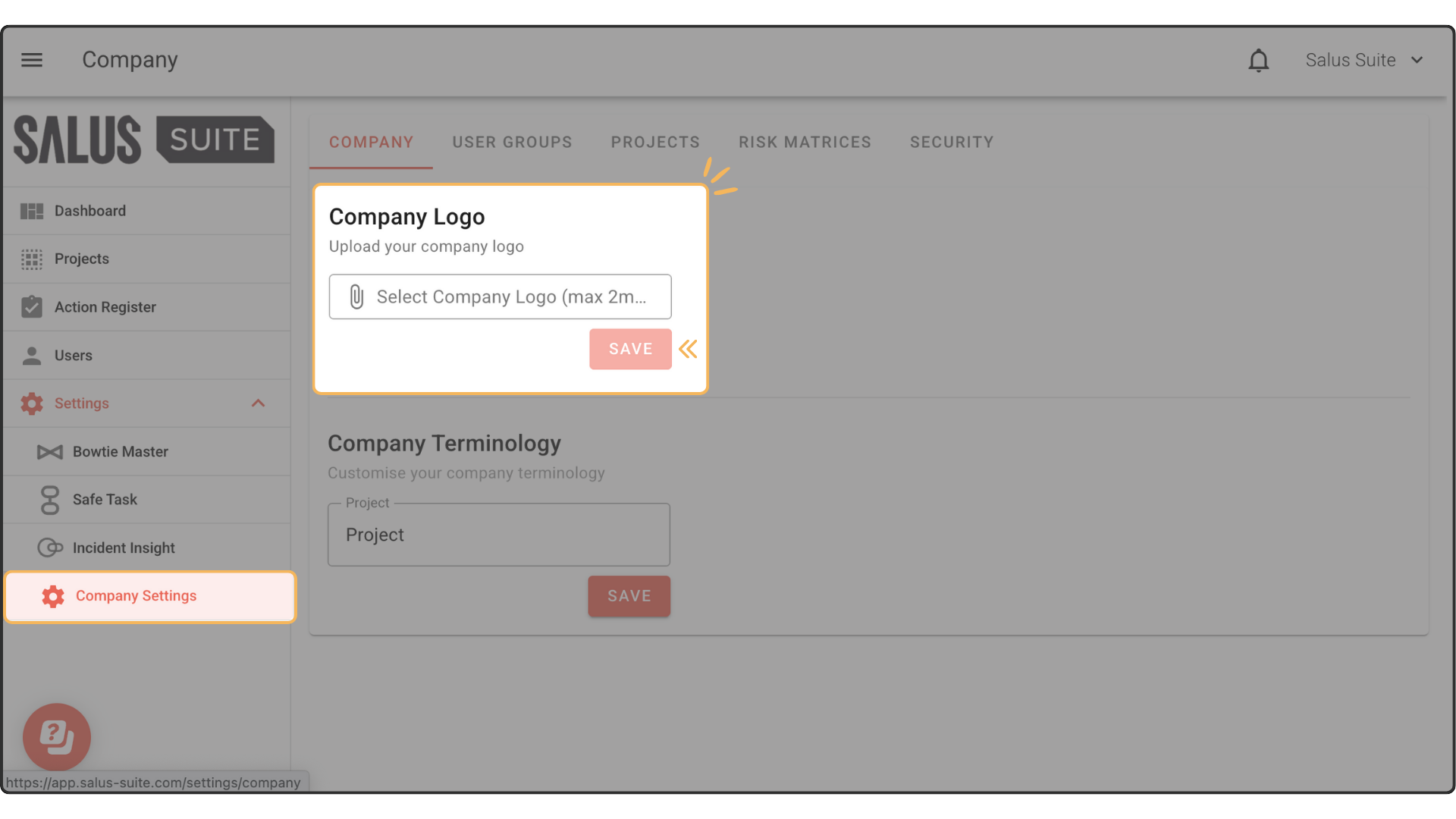
Step 1: In the User Menu, click on Settings > Company Settings. In the Company Info Tab, you can upload your company logo, then click Save.
"*" indicates required fields
Δ