Add a Top Event Description
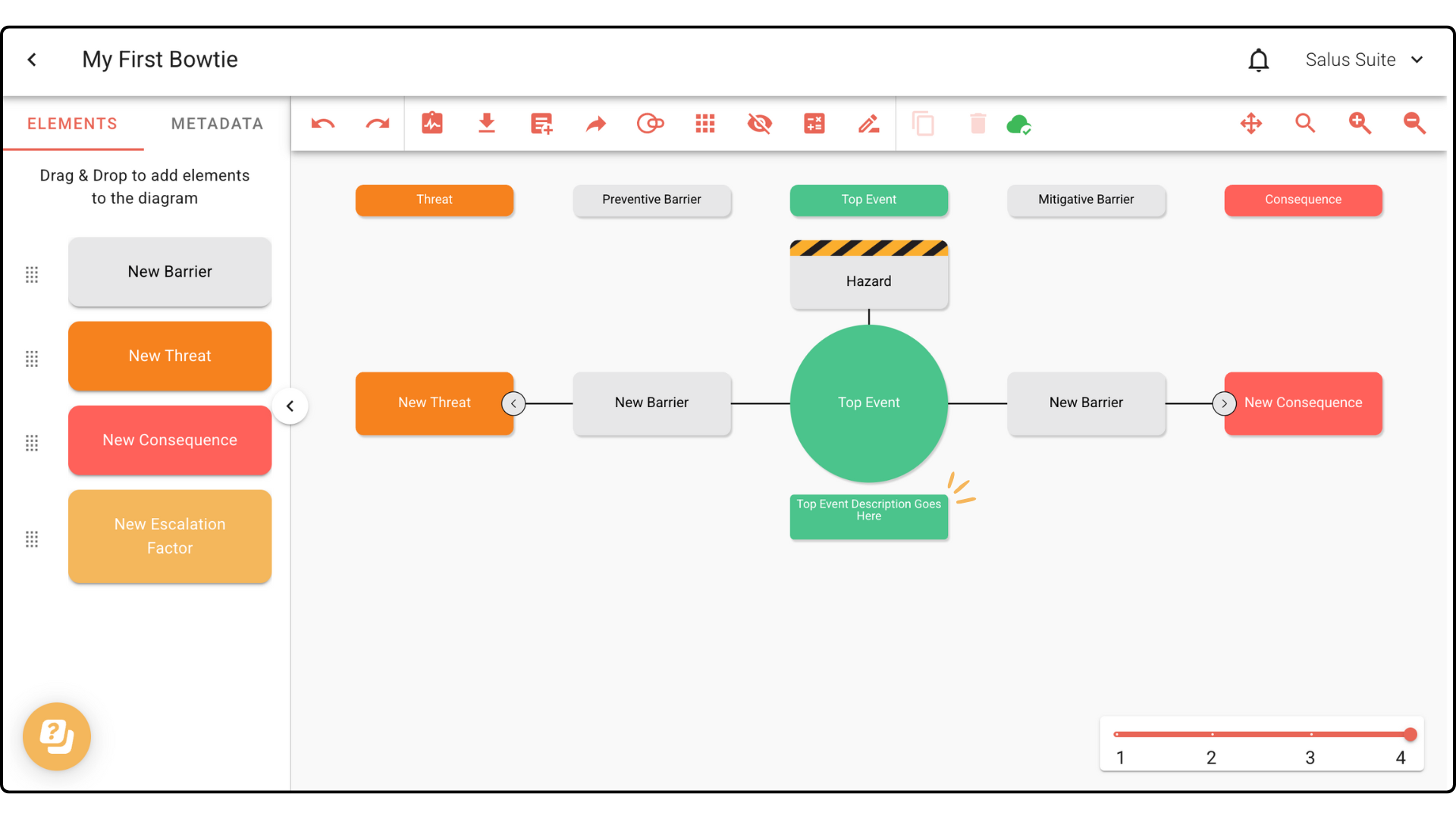
The Top Event is the central point of your bowtie diagram, describing the moment control of the hazard is lost. With the new Top Event Description feature in Bowtie Master, you can now add supporting context directly to the Top Event.
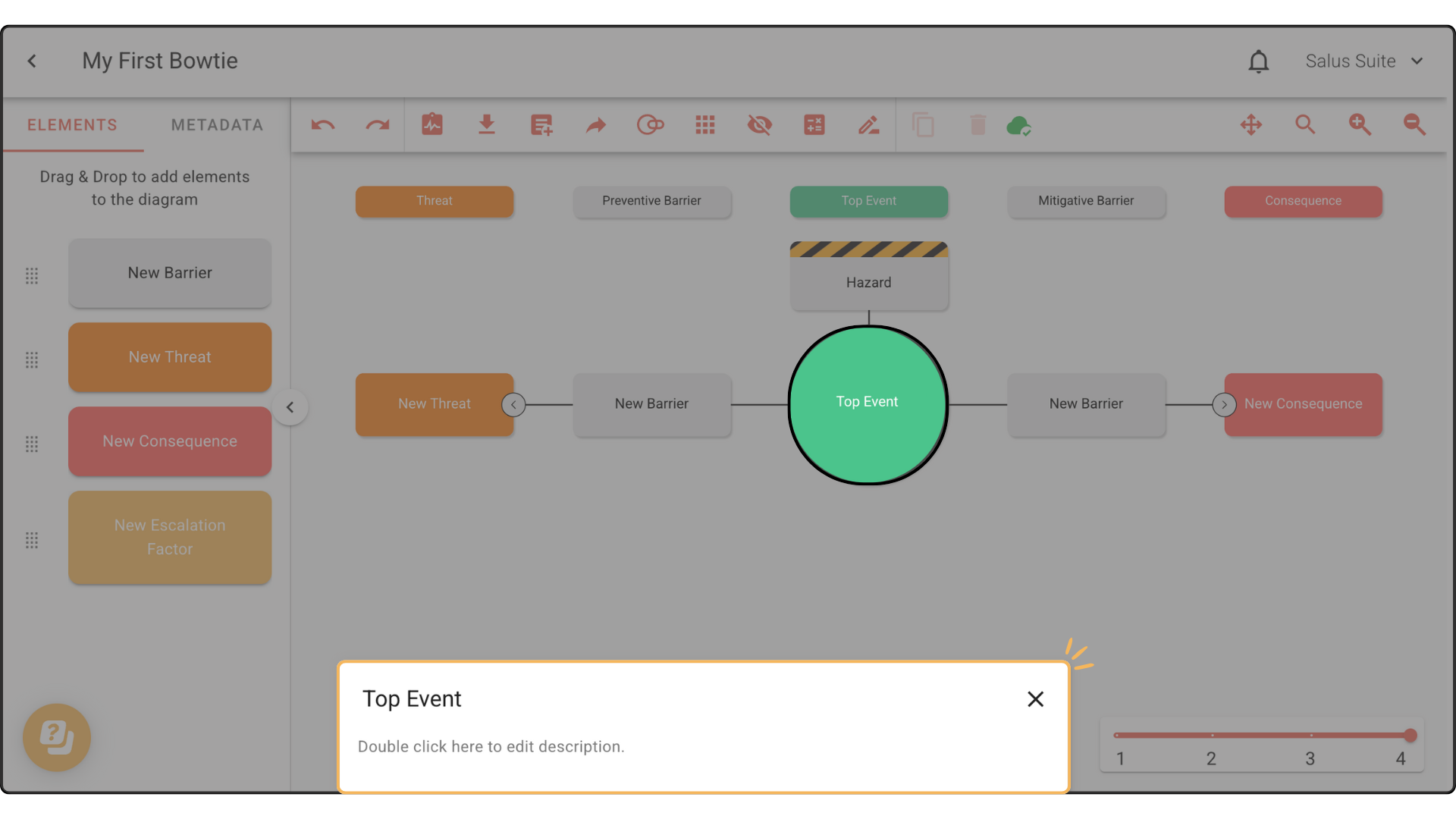
Step 1: In your diagram, double-click your Top Event.
Step 2: In the Element Description Box, you can enter a description for the Top Event.
This is how it will appear in your diagram: