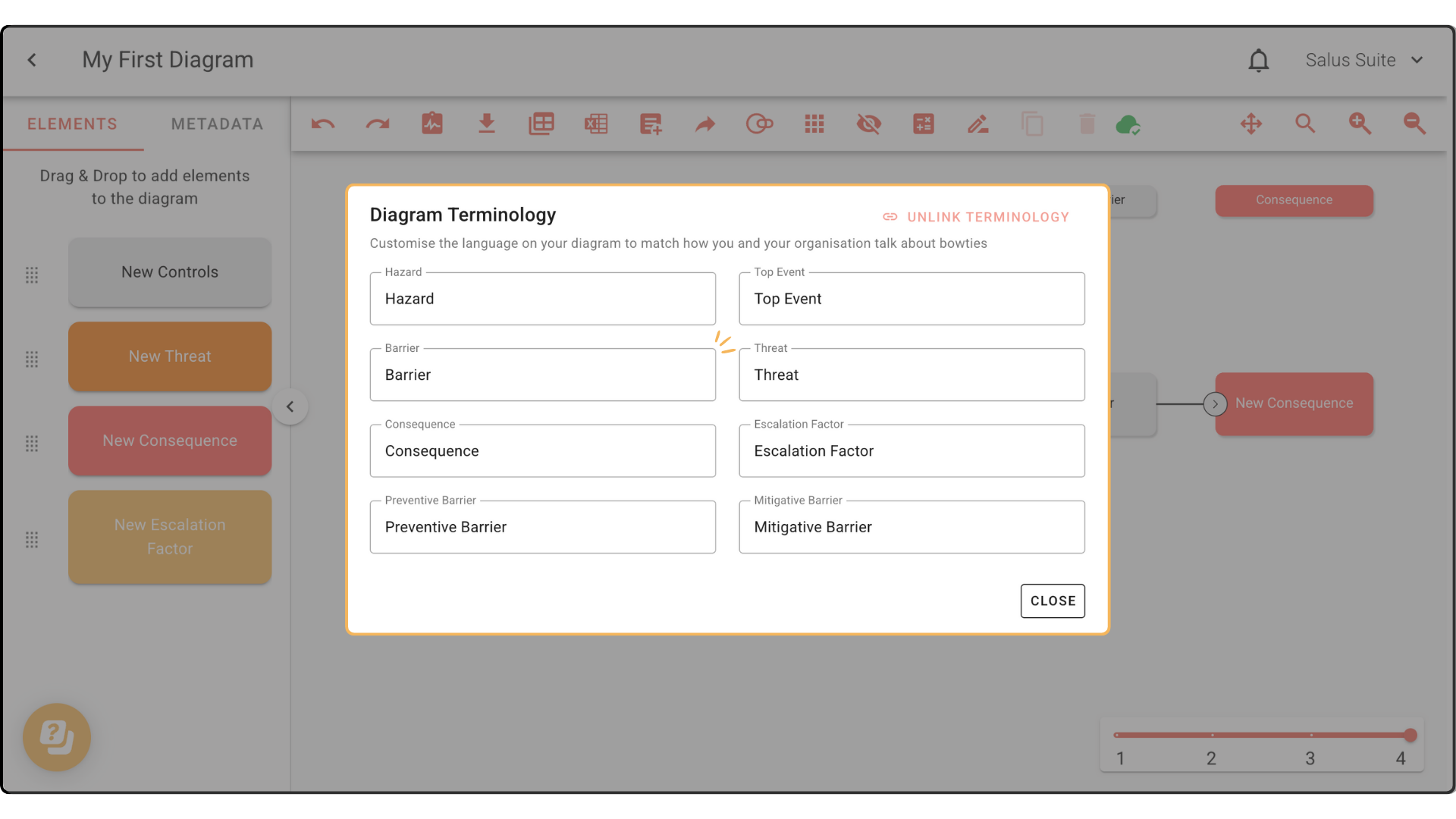
Diagram Terminology
In this tutorial, we’ll show you how to customise the terminology in a specific diagram.
Note: All diagram terminology is linked to the main terminology in settings.
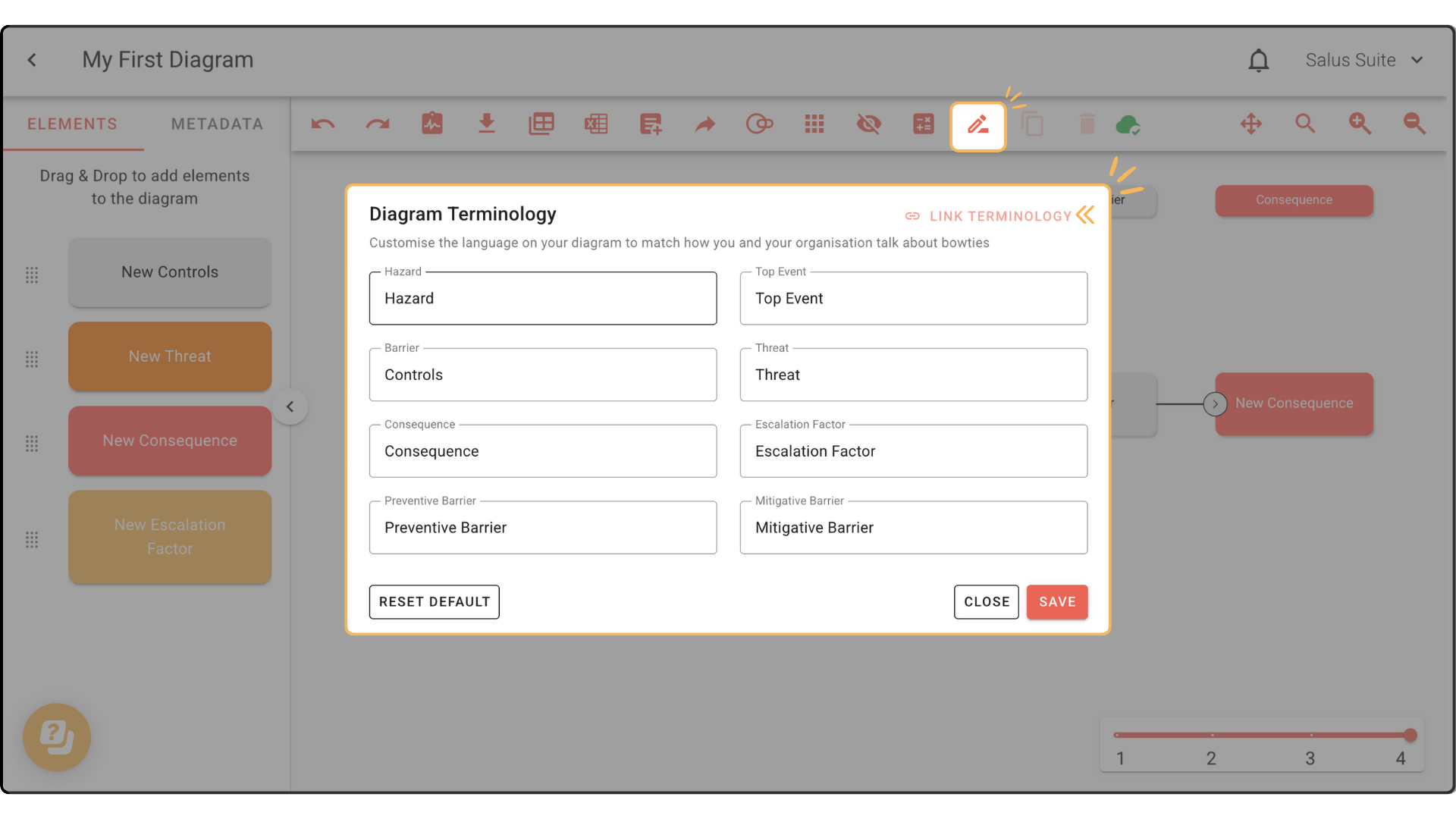
Step 1: To make local changes in a diagram, click Terminology.
Step 2: In the pop-up, click Unlink Terminology. Note that this step is important, otherwise you won’t be able to make any changes. 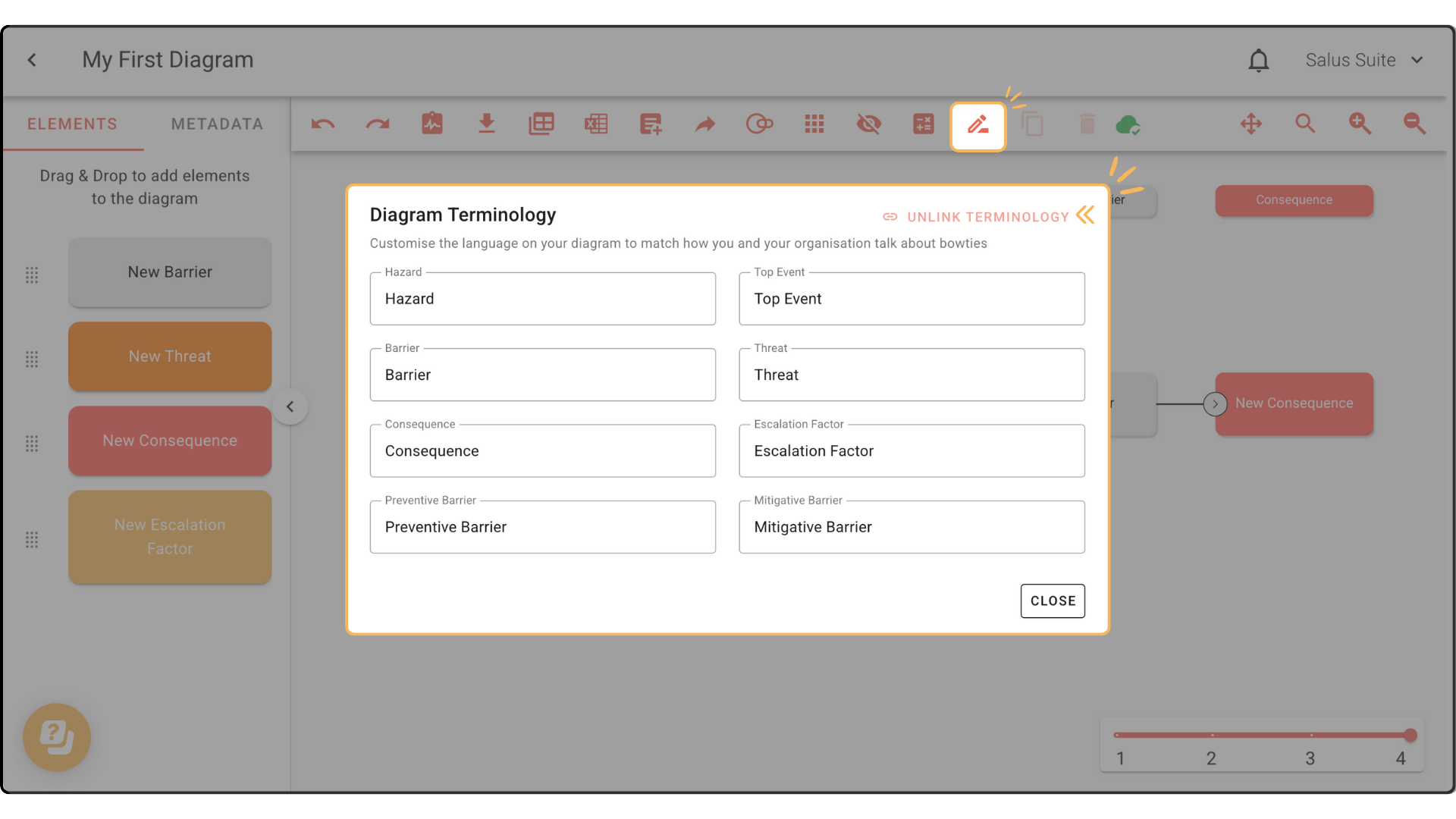
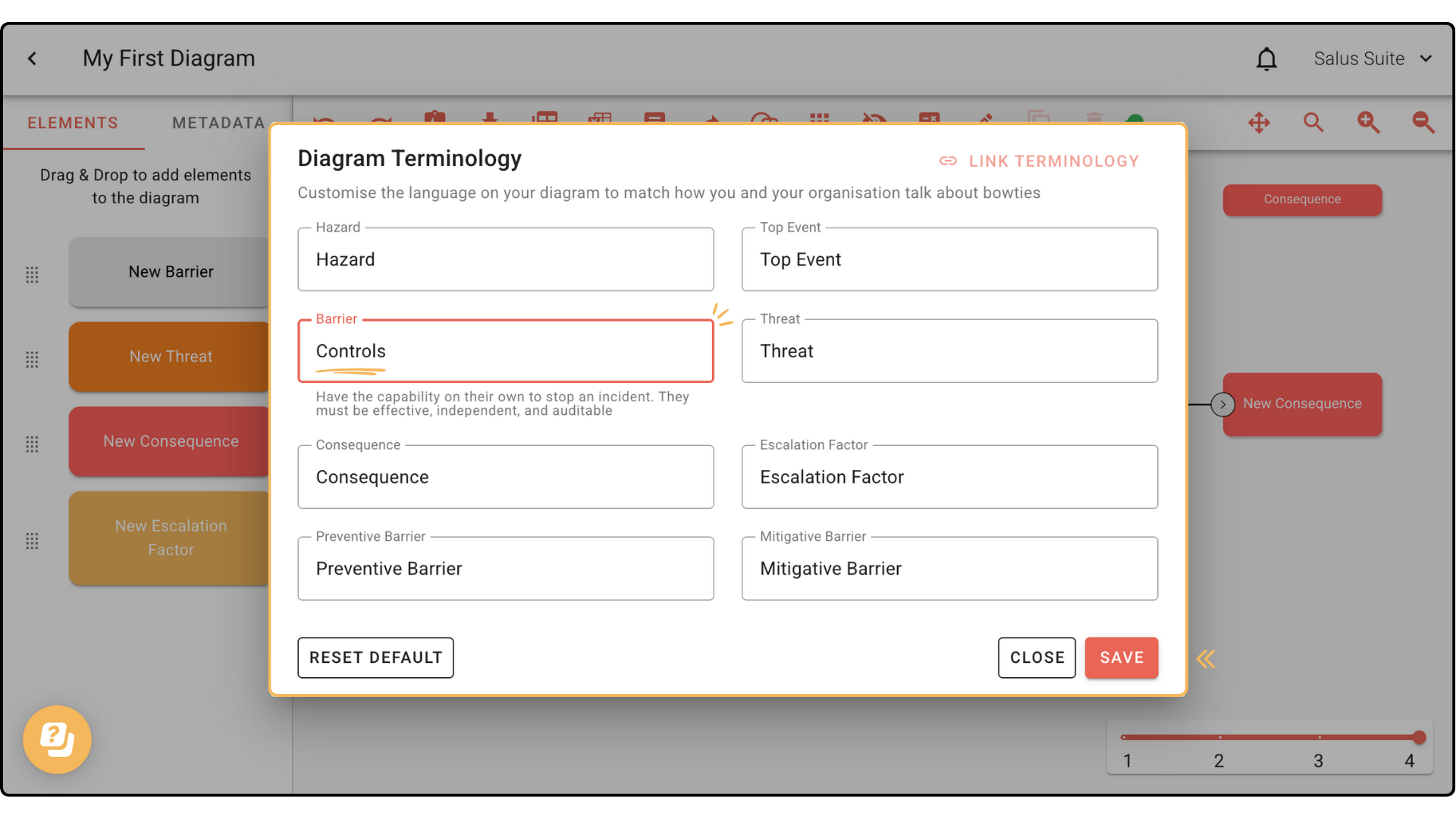
Step 3: Customise terms. For this example, we will rename Barrier to Controls. Click Save.
Your changes will reflect in the Element Menu.
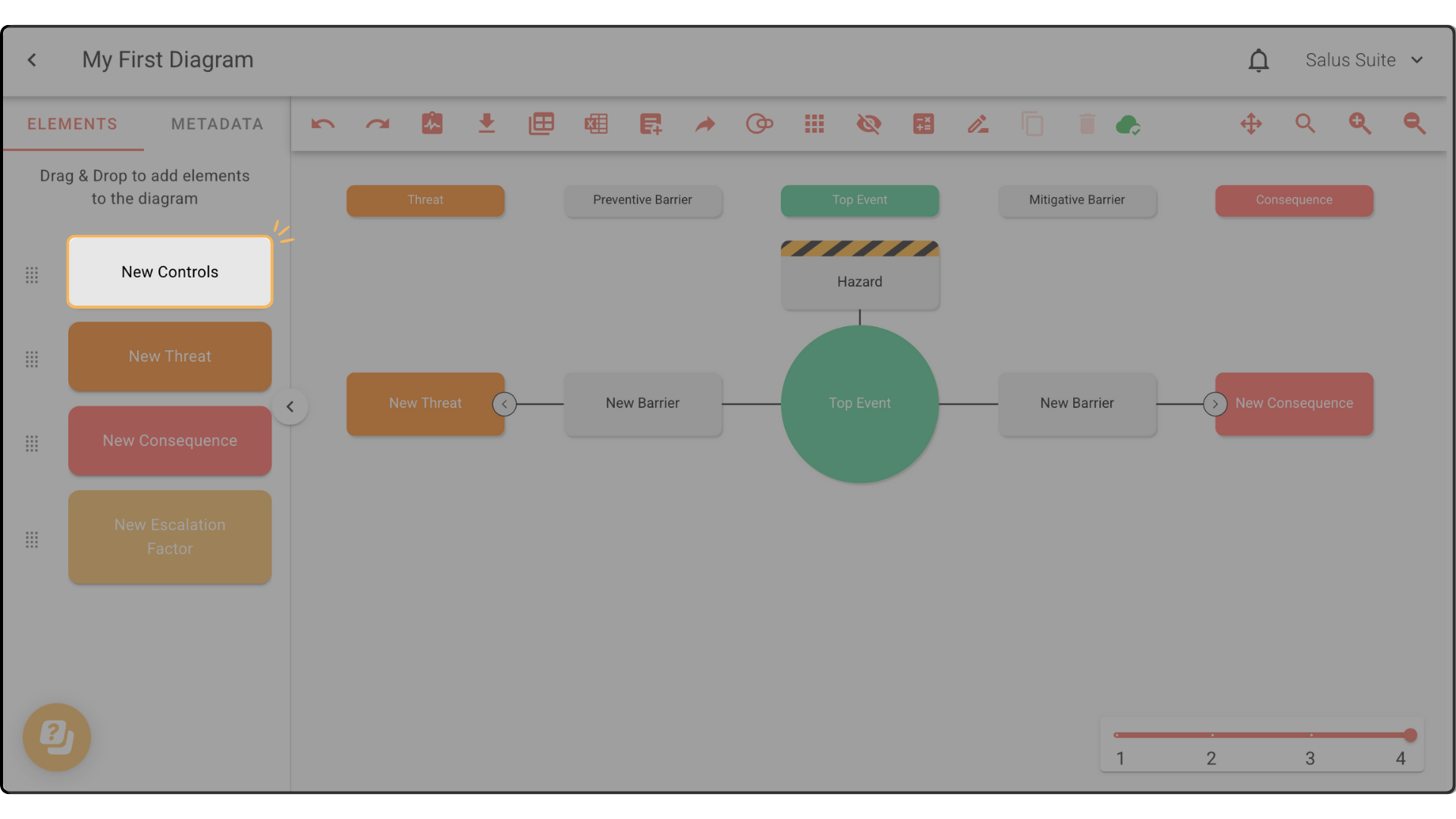
Step 4: To link back to the Main Terminology Settings, click Terminology. Then click Link Terminology.
 The tems will sync to the main setting’s terminology.