

Export diagram as an Excel Report
Bowtie Master provides users with the ability to easily export the details that make up bowtie diagrams as an Excel Report.
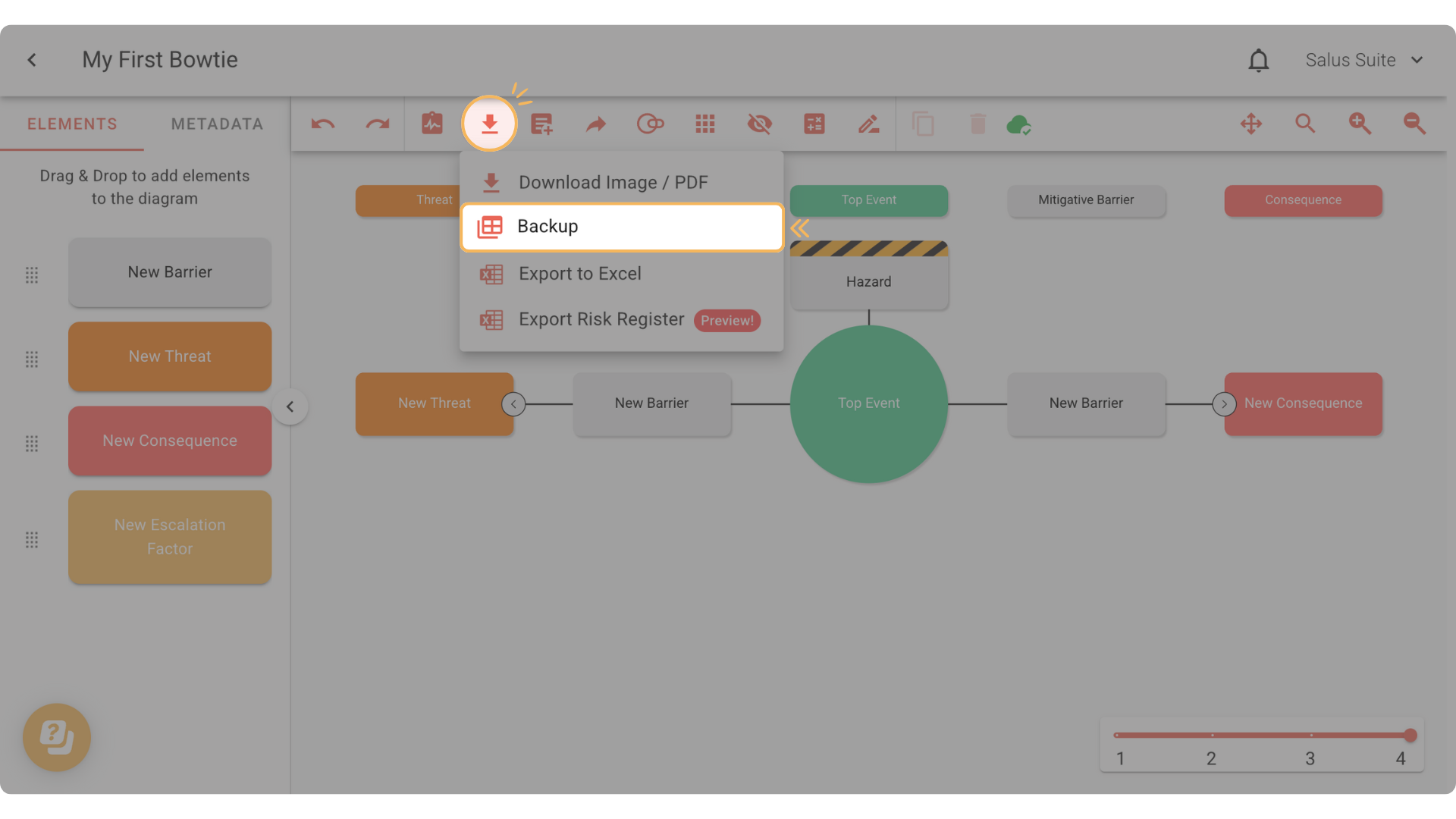
Step 1: Click on the Download Tool, then select Export to Excel. The bowtie diagram elements, terminology, and metadata will download as an Excel spreadsheet file.
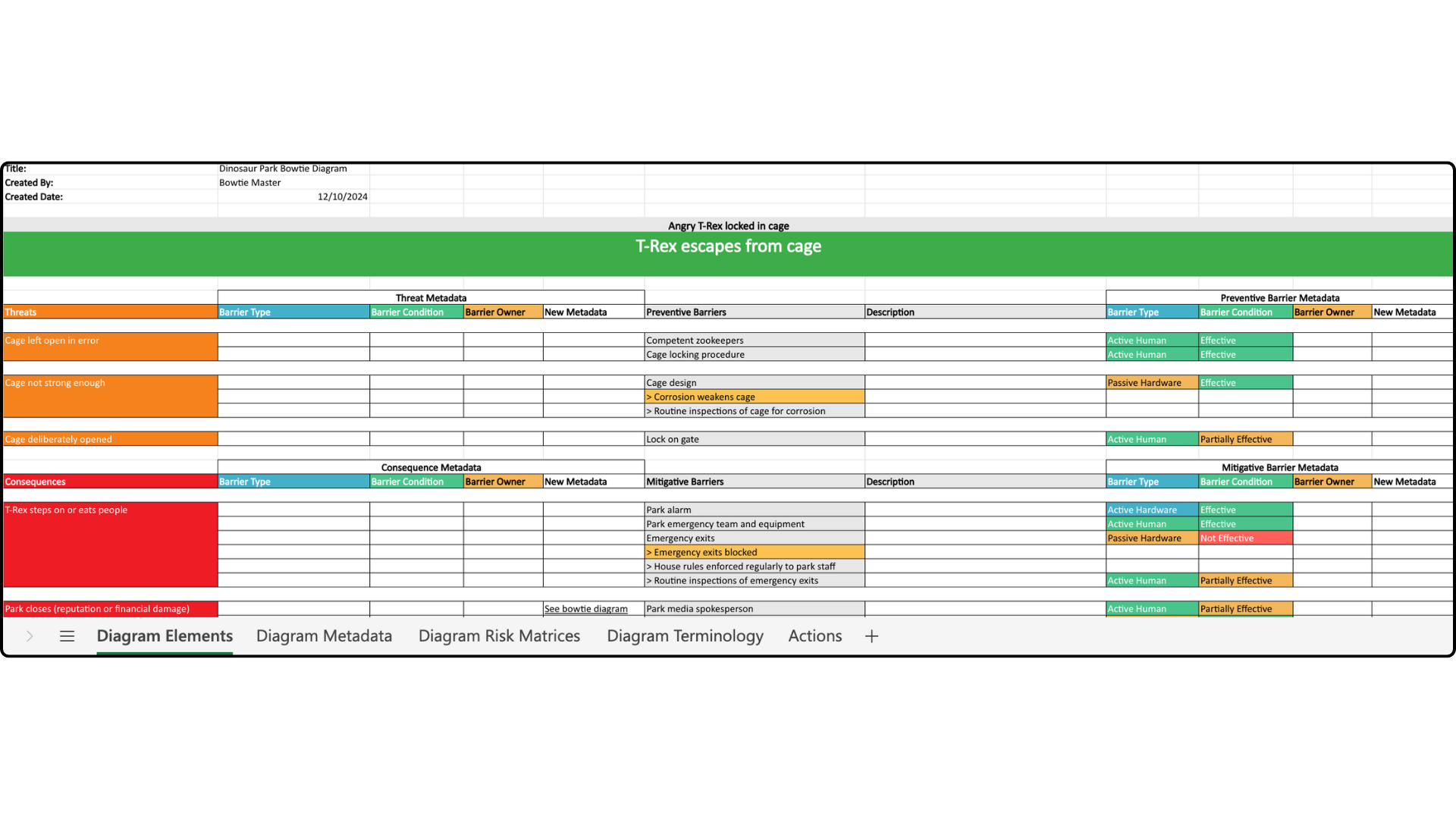
Your diagram in Excel format will look like this. The first tab, Diagram Elements, contains information and metadata about threats, consequences, and barriers.
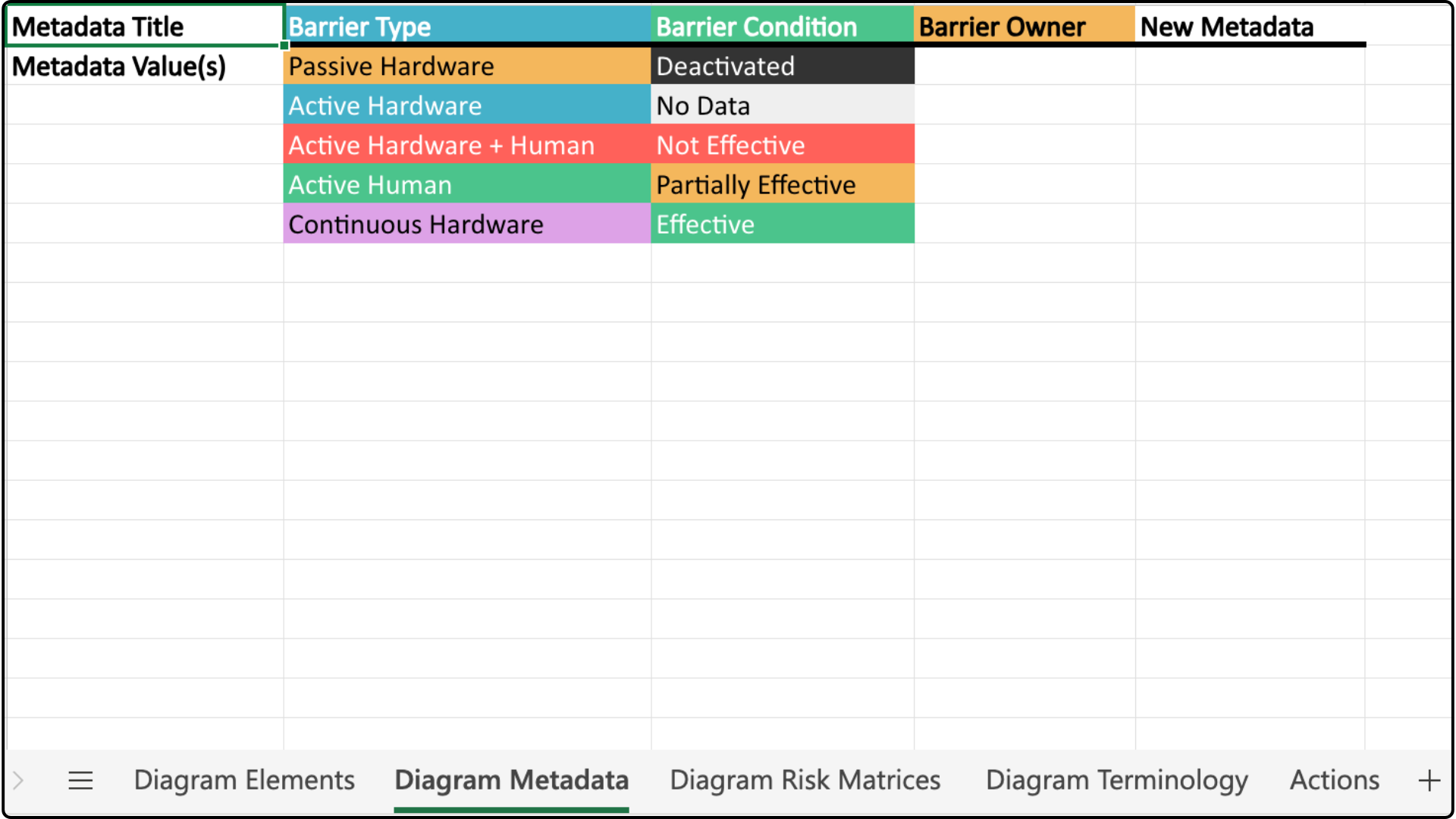
The second tab, Diagram Metadata, contains information about barrier types, condition, and owner.
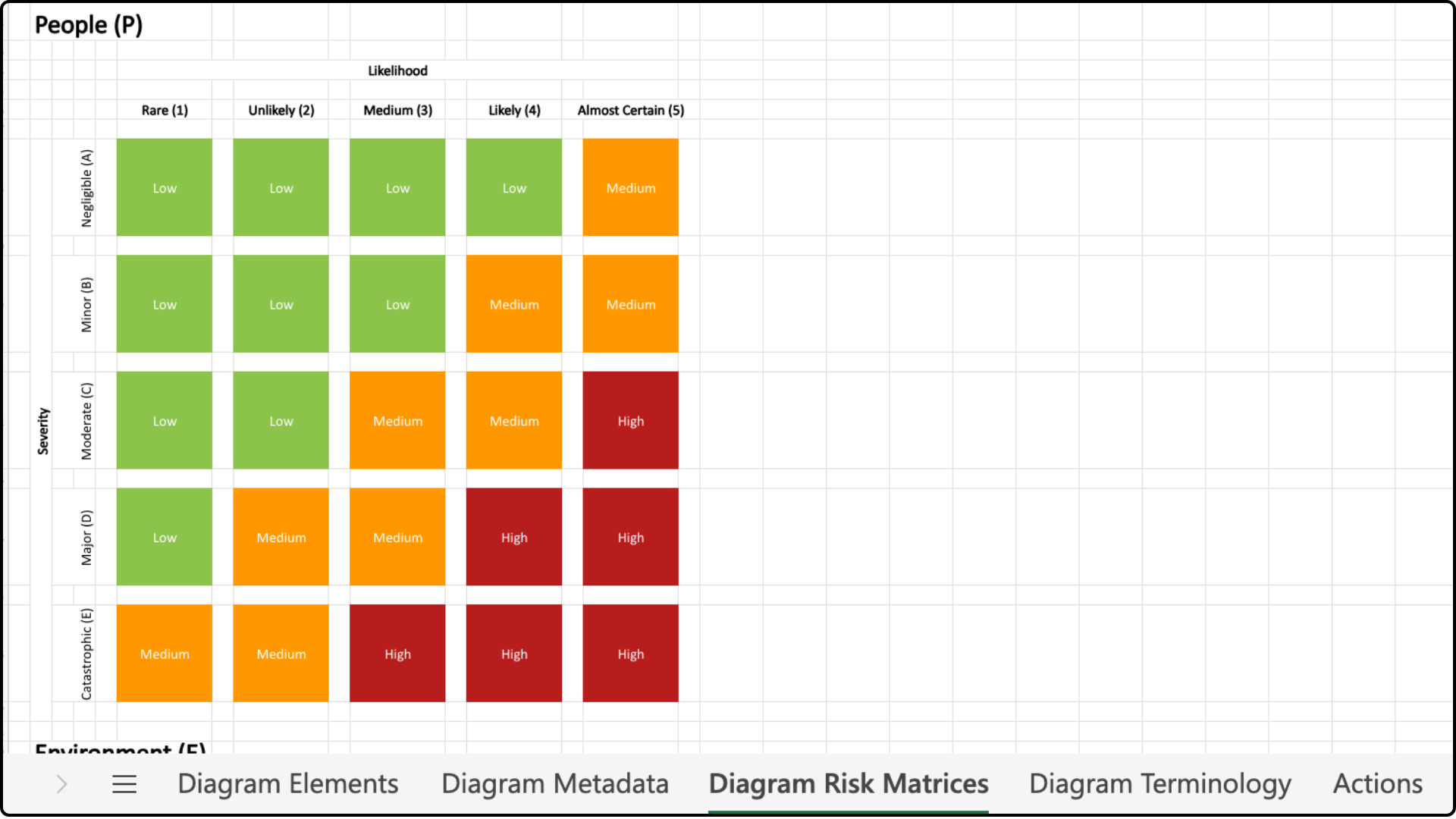
The third tab shows risk matrices, if there are any, in your diagram.
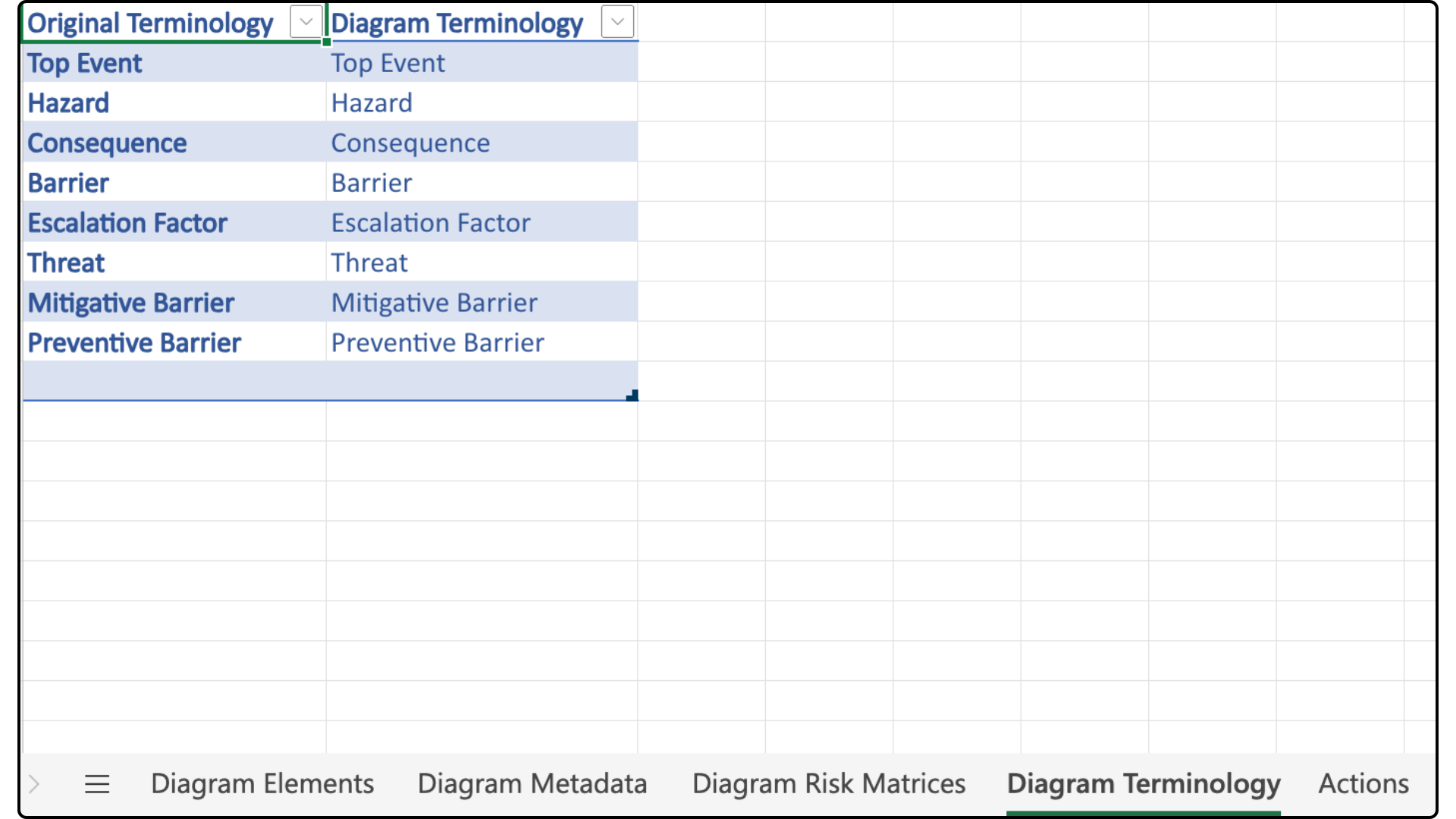
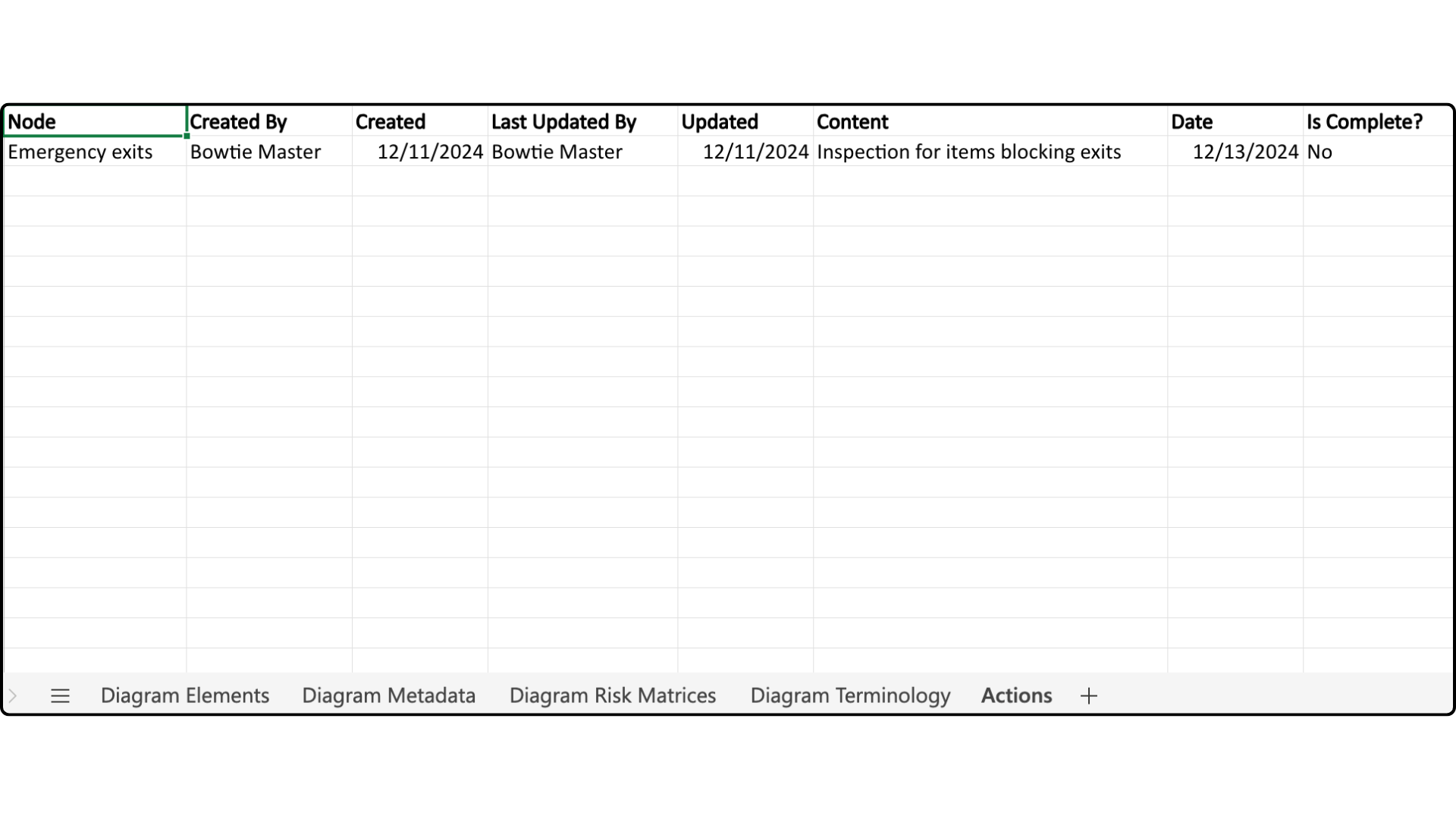
And the last two tabs, Diagram Terminology and Actions, contain the terms used in the bowtie diagram and details on actions done respectively.