
Want feedback on your Bowtie Diagram?
You are now able to get live feedback on your bowtie diagram within Bowtie Master. Our software will analyse your bowtie against best practice, and feedback is generated in a report with the option to display in-app as a pop-up or download. We wanted to create a feature to offer more guidance, so users can learn and build confidence using the bowtie technique.
How it works
This report is generated through the use of Salus Copilots, our in-house AI software. Our Process Safety Engineers have developed this AI tool to read the bowtie elements and provide valuable insights. This allows you to improve upon your current bowtie diagram.
*This feature is only available on certain licenses. If you do not have access to this feature and would like to learn more, please get in touch with a member of our team*
FAQ: How Salus Technical Handles Your Data
At Salus Technical, we are committed to maintaining the highest standards of data protection and online security. As a technology-driven organisation, we depend on the trust our customers place in us to manage their data responsibly. We do not share information except where it is strictly necessary to deliver our services. Our development teams leverage OpenAI’s large language models to power our Copilots. For further information about OpenAI and its data policies, please refer to the details below:
Do you use my data to train AI models?
No. Any data you share through our Copilot features is not used to train or improve OpenAI’s models. OpenAI, our trusted technology partner, does not use API data for training unless a customer explicitly opts in — and we do not opt in.
Is my data stored by OpenAI?
Yes, but only temporarily. OpenAI may securely store API data for up to 30 days to monitor for misuse or security issues. After this period, the data is automatically deleted. In rare cases, data may be retained longer if required for legal or compliance purposes.
How is my data protected?
Your data is protected using industry-leading security standards.
-
All data is encrypted both in transit and at rest.
-
Access to retained data is strictly limited to authorized OpenAI staff for security monitoring only.
-
OpenAI’s systems are SOC 2 Type II compliant, ensuring rigorous data protection and operational controls.
Who controls my data?
You remain the data controller, and OpenAI acts solely as a data processor on our behalf. This means your data is never sold, shared, or used beyond what is necessary to provide our services securely.
What does this mean for me as a customer?
Your bowtie diagrams, safety inputs, and other information remain private and secure. They are not used to train AI models, are encrypted end-to-end, and are automatically deleted after a short retention period.
Step 1: Once you have built out your bowtie diagram, click on the light bulb icon in the toolbar (improve your bowtie).

Step 2: You will be presented with a pop up displaying more information about the feature. To move forward with the report click GENERATE REPORT. You can opt out of the report by clicking CLOSE.

Step 3: Once GENERATE REPORT is clicked no other action is required, the system will do the work for you. Depending on the complexity of your bowtie diagram the report can take around 30-60 second to generate.
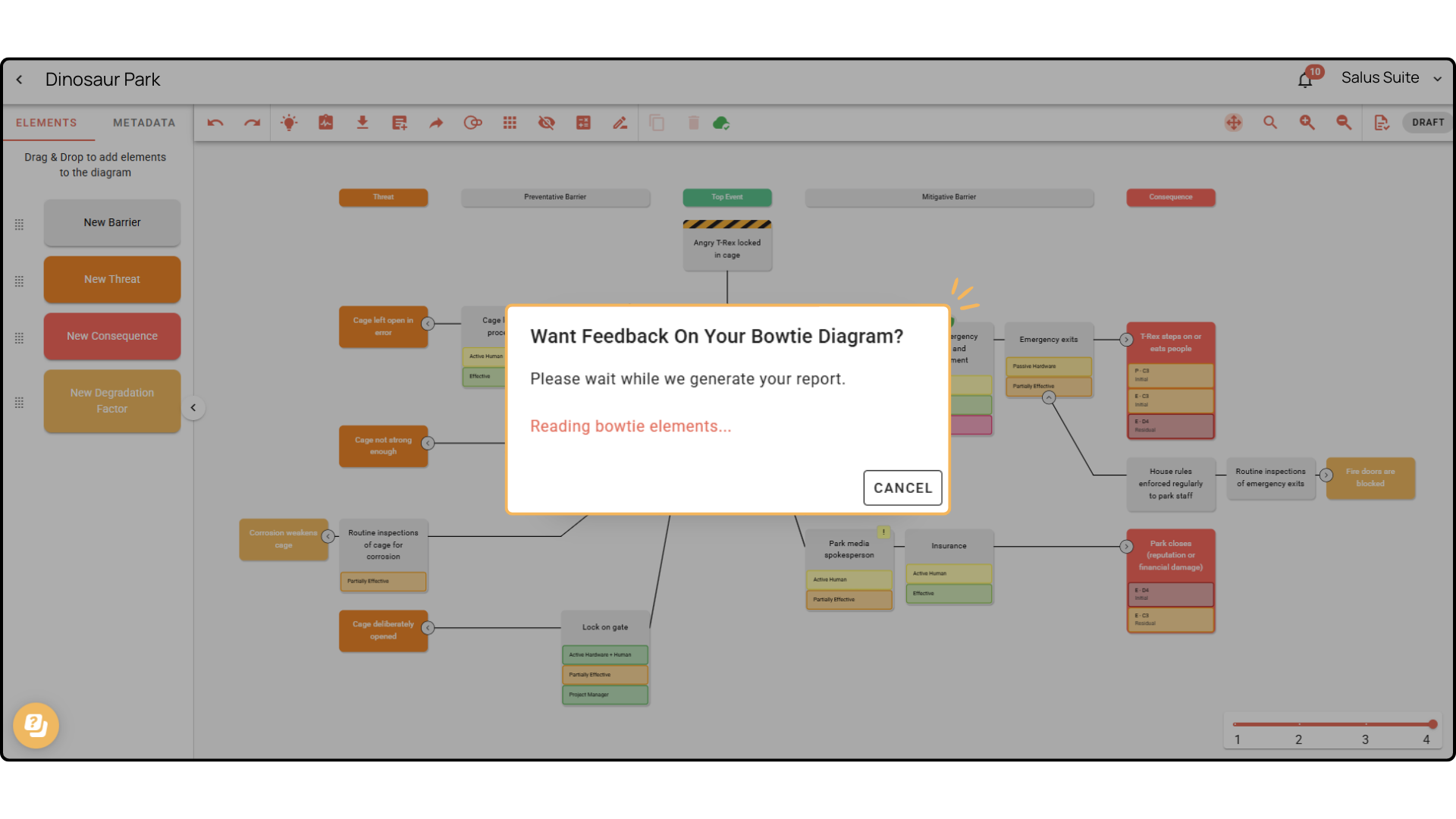 Step 4: When ready the full report will show on your screen within the app. From here you can choose to DOWNLOAD PDF or POPOUT into a separate tab.
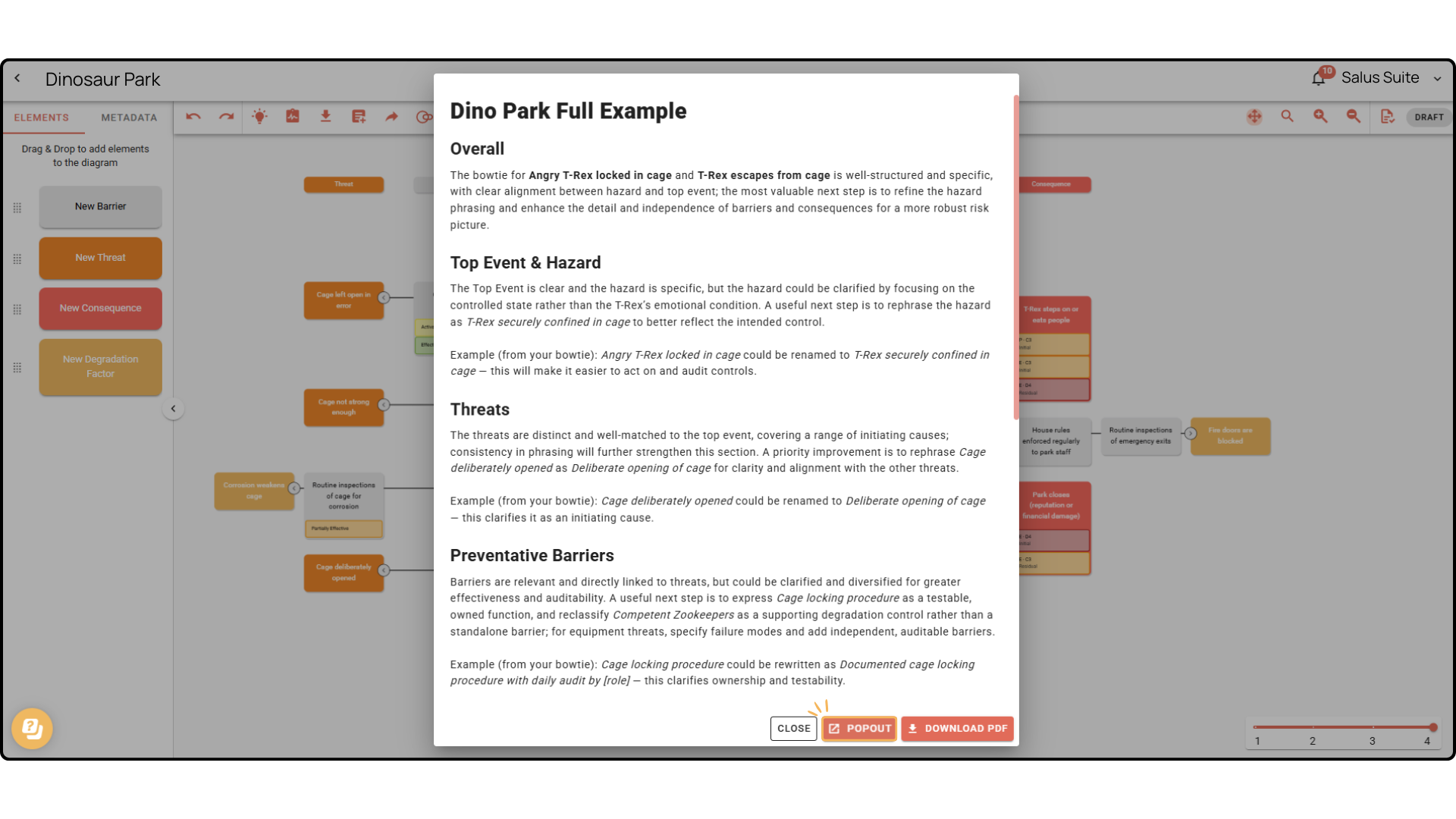
NOTE: The below image shows the POPOUT option.

If you have any questions about the report and how it is generated please get in touch with our team.


