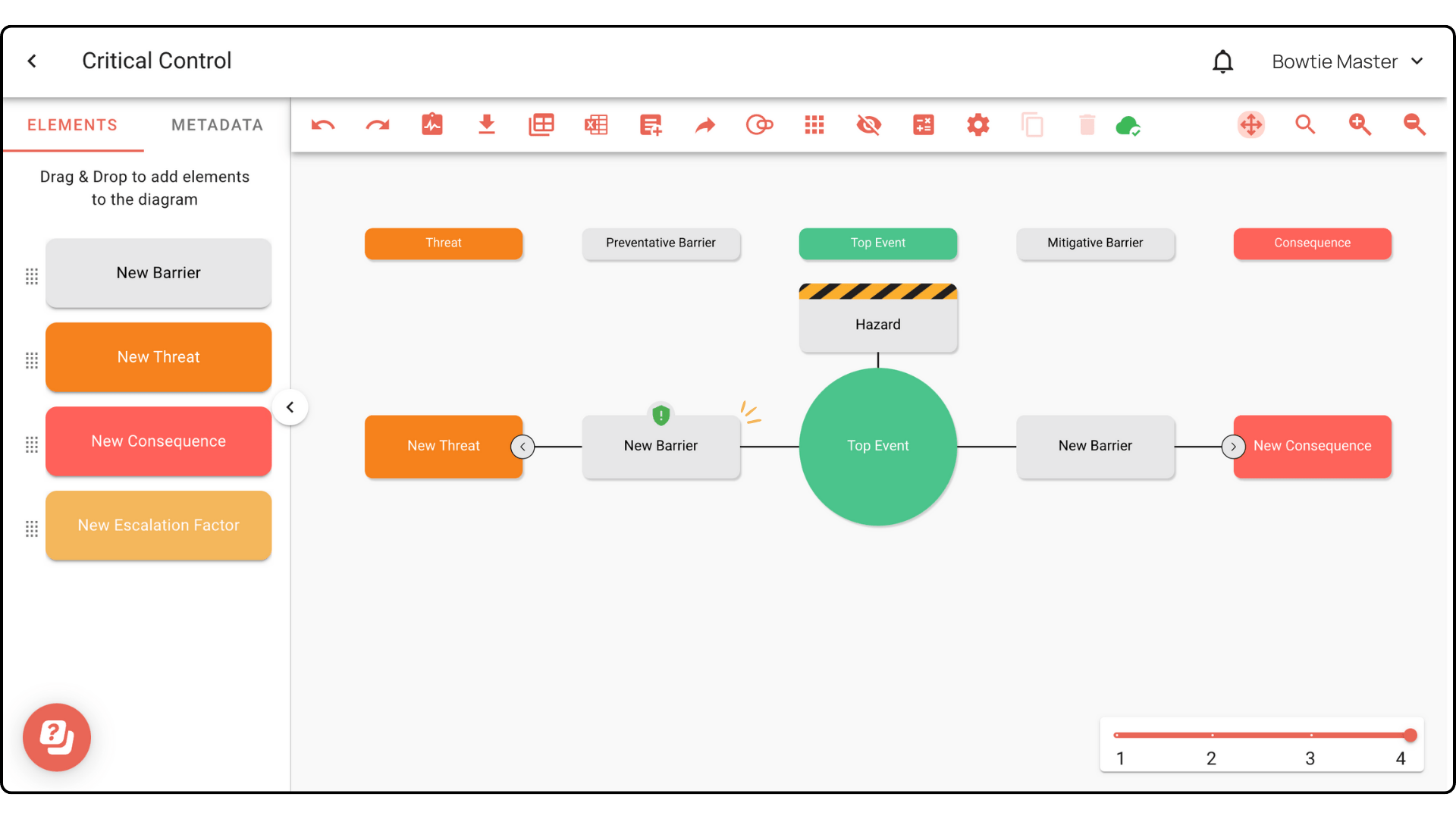


Mark your barriers with critical control
Bowtie Master makes it easy to identify your critical controls through marking specific barriers. The steps below will show you how to use the feature.
Step 1: In your diagram, click on the barrier you wish to mark as critical control.
Step 2: In the Element Description Box, click on the ! icon. This will mark your barrier with critical control.

A critical control icon will appear on top of the barrier, indicating its new status: